Copywriting
Text make up almost 70% of our products’ interfaces. The way we write and style it is as important as our user flows and UI components.
Text conveys the first impression users get of our software, it dictates whether we appear as professional, friendly, knowledgeable, and even more importantly: trustworthy.
Just as we make sure not to detach instances from components and to use the correct colour tokens, let's strive for that same level of attention when it comes to the words we choose across our products.
Language#
British English#
Volue's company standard is British English, as set out in the Volue Brand Strategy. Use it consistently for all UI copy, from headings and button labels to error messages and documentation.
This applies to spelling (colour, organisation, centre, analyse, behaviour, licence as a noun) as well as terminology. Never mix British and American English within a product.
- Customise the colour of the chart.
- Analyse the behaviour of your portfolio.
- Customize the color of the chart.
- Analyze the behavior of your portfolio.
Consider automating this in your project with a spell checker configured for British English, such as cspell.
Use of sentence case#
When to use#
Our UIs are text-dense and should be easy to parse through. Therefore, sentence case is the default for every UI element, body text, and headings.
Only the first word of a sentence (and proper nouns) are capitalised, while all other words remain lowercase, just like a normal sentence. Example: "The quick brown fox jumps over the lazy dog."
The exception#
Proper nouns such as product names: PowerBot, Nimbus, Data & Forecasts, SmartPulse, etc.
Examples#
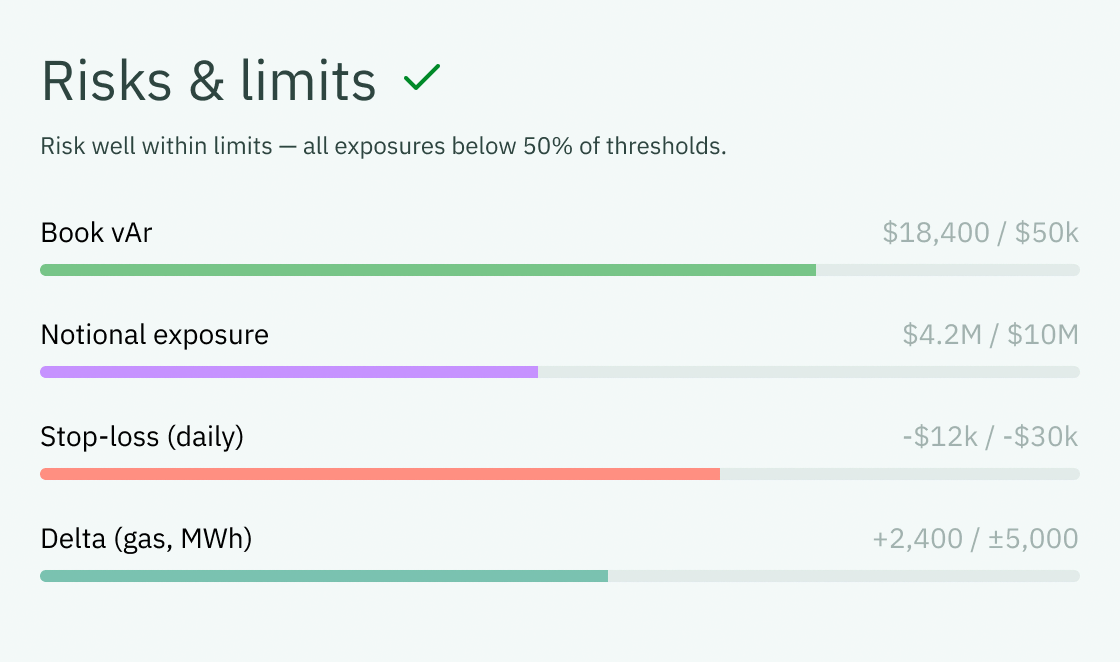
Here is what sentence case use looks like in practice.
In a blog post:

In a widget element:
Grammar and punctuation#
Active and passive voice#
Active voice is when the subject performs the action. Passive voice is when the subject receives the action. Use the former as much as possible to avoid confusion.
- Schedule imbalance detected. Please review your positions.
- Enter the amount below.
- Schedule imbalance detected. Positions should be reviewed.
- Amount should be entered below.
Calls to action#
Make sure the label on call to action buttons are clear, contextual, and action-oriented. Avoid vague labels such as “Okay” or “Continue”, as well as labels containing multiple actions in one button.
Be precise and write like you speak#
When writing copy, read it out loud first to see if it conveys the information needed to make a decision. Avoid overly technical language. You can ask yourself: is this phrasing influenced by internal jargon used by the engineering teams? Is it intelligible outside of the office?
- Overview of the results
- You’ve been logged out due to inactivity.
- Incorrect email or password.
- Result overview
- Session expired
- Invalid credentials
Punctuation#
Use regular punctuation for the body/main content, but skip end punctuation (period, question mark and exclamation mark) for titles, headings, subheadings, and items in a list that are 3 or fewer words.